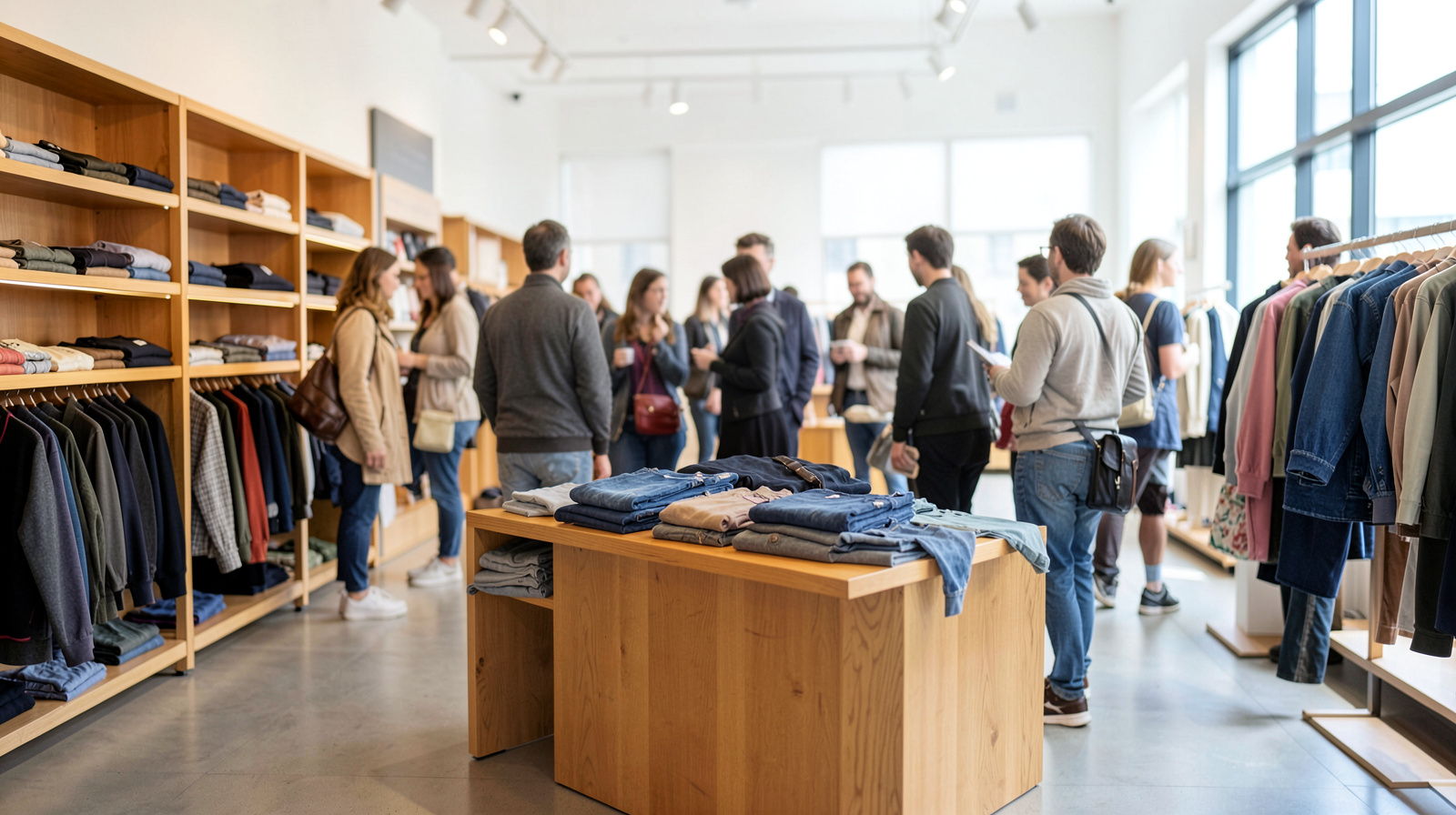
In-store music shapes how fast people walk, how long they stay and how your brand feels. Here is what the classic retail studies found, how to program music by store type and zone, and how to keep your team sane in December.
Walk into two stores selling similar products and you can often tell which one feels premium before you have touched anything. Lighting and layout do part of the work. Music does a surprising amount of the rest. It sets the pace at which people move, signals what kind of place they are in, and fills the gaps between customers so a quiet hour does not feel empty.
This guide covers what research on in-store music actually found, how to program music for your type of store, how to handle zones and holidays, and the licensing basics every retailer should know.
What the classic studies found
Three field studies are widely cited in discussions of in-store music. Each is worth knowing in detail, including its limits.
Tempo and pace. In a medium-sized supermarket over nine weeks in 1980, Ronald Milliman compared no music, slow music and fast music (Journal of Marketing, 1982). Most shoppers in his pretest classified selections at 72 beats per minute or fewer as slow and 94 or more as fast. Slow music produced a significantly slower pace of in-store traffic, and average daily sales were higher on slow-music days than on fast-music days, about $16,740 versus $12,113, a difference of 38.2 percent. Shoppers' awareness of the music did not differ between conditions. Milliman himself cautioned against generalizing the result far beyond that store.
Style and perceived price. In a wine cellar attached to a downtown restaurant, Charles Areni and David Kim alternated classical and Top-40 music on Friday and Saturday evenings over about three months (Advances in Consumer Research, 1993). With classical music, customers spent more money, not because they bought more bottles, but because they chose more expensive ones. The number of items examined and the time spent in the cellar did not change. The authors noted limits, including the lack of a no-music condition.
Fit and product choice. Adrian North, David Hargreaves and Jennifer McKendrick played stereotypically French or German music on alternate days next to a supermarket display of French and German wines for two weeks (Journal of Applied Psychology, 1999). French wine outsold German wine when French music played, and the reverse happened with German music. A questionnaire suggested customers were not aware the music had influenced them.
The takeaways for a store owner are practical: tempo influences pace, and music that fits your products and positioning can shape how people perceive them. None of these studies promises a result in your store, which is why testing matters.
Start with your brand and your shopper
Before picking genres, answer four questions: who shops with you, how long a typical visit lasts, where you sit on price, and what you want people to feel when they walk in. Then use these directions as a starting point:
- Premium fashion and boutiques: understated and consistent. Indie, soul and soft deep house at low volume suggest confidence without trying too hard.
- Streetwear and youth fashion: more energy and current sounds, such as hip-hop-influenced beats and house. Check lyrics carefully; explicit content does not belong in every store.
- Home goods and lifestyle: warm and relaxed. Acoustic, mellow indie and light soul encourage slow browsing.
- Sporting goods and outdoor: upbeat and motivating. Our upbeat retail collection and the upbeat mood collection fit this kind of floor.
- Beauty: polished pop and R&B-leaning tracks at a moderate level.
- Bookstores and gift shops: calm and unobtrusive. Our piano collection works well where people read labels and browse slowly.
- Grocery and convenience: mid-tempo and unobtrusive, so the music supports rather than rushes.
Use tempo deliberately
- Quiet hours: slower, calmer music gives the few customers you have a reason to linger and browse.
- Busy hours: keep a steady mid-tempo so the floor flows without feeling rushed.
- Fitting rooms: calmer than the main floor. People are deciding, not browsing.
- Checkout: keep the level low enough for staff and customers to talk comfortably.
Change tempo gradually across the day rather than jumping between extremes. A sudden switch from a slow ballad to a fast dance track sounds like a mistake.
Zones and speaker placement
- Aim for even coverage. A few well-placed speakers at low volume beat one loud speaker by the register.
- Mind the entrance. A little music spilling onto the sidewalk can invite people in; a wall of sound can push them away.
- Separate departments if needed. A kids' section and a premium section may want different music, but avoid two playlists clashing in the same sightline.
- Protect conversation at service points. Registers, fitting rooms and service desks need lower levels.
Holiday music without burning out your team
Seasonal music can lift the mood in December, but your staff will hear it for weeks. Keep holiday tracks as a share of the rotation rather than the whole of it, start later rather than earlier, and refresh the selection every week. Our holiday collection can be blended with your regular playlists so the season feels festive without becoming a loop.
Keeping several locations consistent
If you run more than one store, define a core sound for each part of the day and let each location adjust volume and small details for its space and crowd. Consistency is part of brand recognition. With WeavyAudio, each location has its own subscription and license, as set out in our Terms of Service, so every store has its own documentation.
Licensing basics for retailers
Music in a store is a public performance under U.S. copyright law. There is a narrow exemption in section 110(5)(B) of the Copyright Act: a store under 2,000 gross square feet, or a larger store using no more than 6 loudspeakers with no more than 4 in any one room, can play over-the-air radio or TV broadcasts without a license, as long as it does not charge customers to hear them. The exemption does not cover streaming apps, CDs or playlists, and personal streaming accounts are limited to personal, non-commercial use.
The simplest setup is one documented source that is licensed for business playback. WeavyAudio's catalog is original and owned by WeavyAudio, so there are no PRO royalties for the music you play from it, and every active subscription comes with a signed license certificate for your store. If you want to hear it on your own floor, you can start a free trial and test it through a busy weekend.
FAQ
What is the best music for a retail store?
Music that fits your brand, your customers and the pace you want on the floor. Premium stores tend to suit understated indie, soul or soft electronic music; sporting goods stores suit upbeat tracks; bookstores and gift shops suit calm piano or acoustic music.
Does slow music make people buy more?
In Milliman's 1982 supermarket study, slow music slowed shoppers down and daily sales were 38.2 percent higher than on fast-music days. It was one store in 1980, so test the idea in your own store rather than assuming it.
Should store music have lyrics?
Vocals are fine in many stores, especially fashion and beauty, but check every track for explicit content and keep vocals softer near service points where people need to talk.
Can a small shop play the radio without a license?
Under section 110(5)(B), a store under 2,000 gross square feet, or a larger store within the speaker limits, can play over-the-air radio or TV broadcasts without a license if it charges nothing to hear them. Streaming apps are not covered.
How loud should music be in a store?
Loud enough to fill silence and quiet enough that a customer and a staff member can talk at normal voice without leaning in. Check it from several spots on the floor, not next to a speaker.